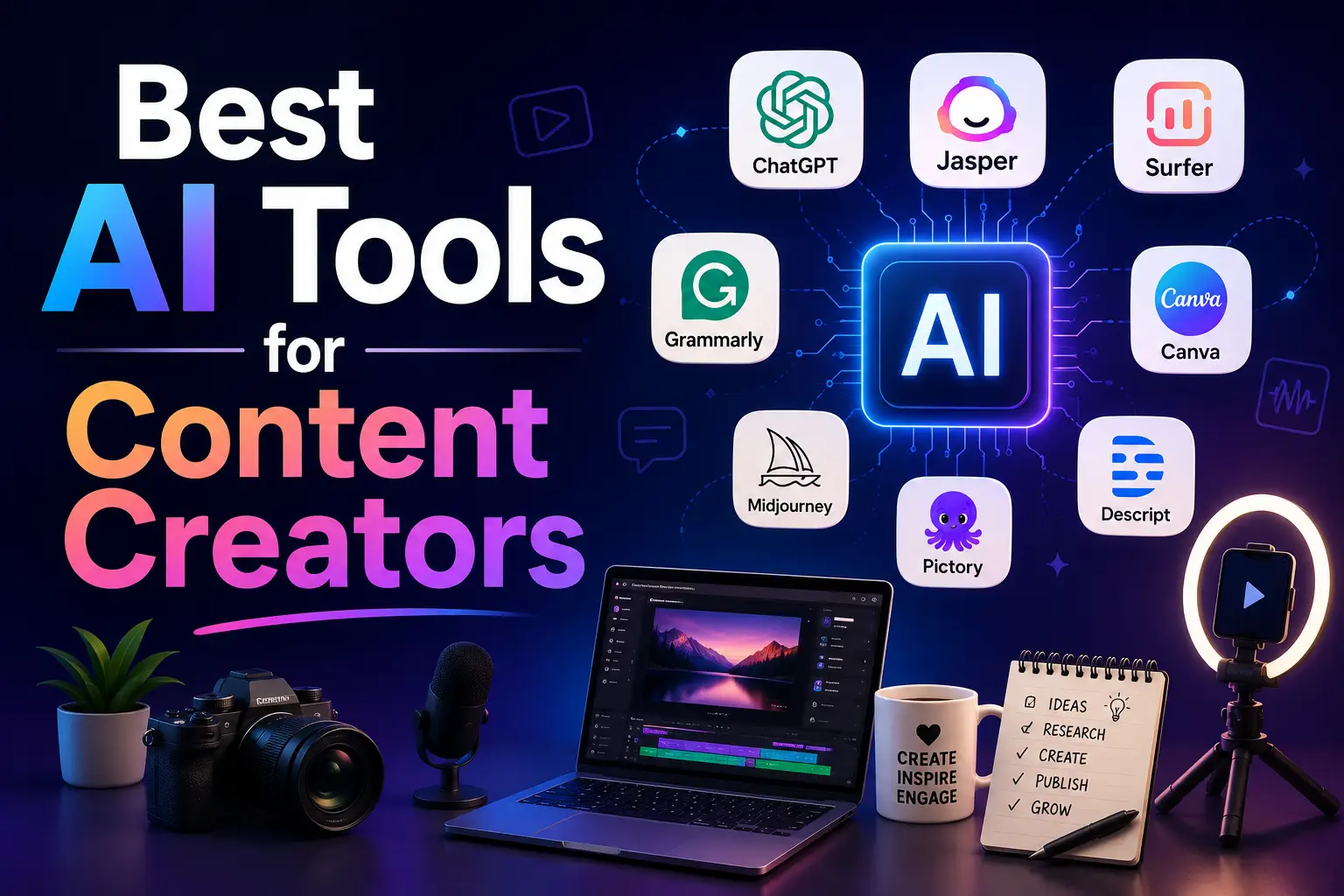
Best AI Tools for Content Creators in (Tested & Ranked)
If you create content in 2026 and you are not using AI tools, you are working twice as hard as you need to. The best AI tools for content creators can write captions, generate video scripts, design graphics, clone your voice and schedule your posts — all in the time it used to take just to write one piece of content.
We tested dozens of AI tools specifically for content creation and picked the ones that actually deliver results. Here is the definitive list.
Why Content Creators Need AI Tools in 2026
The content game has changed completely. Audiences expect more content, better quality and faster turnaround than ever before. A solo creator in 2026 is expected to show up on YouTube, TikTok, Instagram, a newsletter and a podcast — all at the same time.
AI tools are the only way to keep up without burning out. They do not replace your creativity — they handle the repetitive, time-consuming parts so you can focus on what only you can do.
The Best AI Tools for Content Creators in 2026
1. ChatGPT — Best for Writing & Scripting
Pricing: Freemium — free plan available, Plus from $20/month
ChatGPT is the Swiss army knife of AI tools for content creators. Use it to write YouTube scripts, blog posts, email newsletters, social media captions, video descriptions and content ideas. The free plan with GPT-4o is more than enough for most creators.
What it does well:
- Writing YouTube scripts and video outlines in minutes
- Generating 30 social media caption ideas at once
- Repurposing one piece of content into multiple formats
- Writing email newsletters and blog posts
- Brainstorming content ideas when you are stuck
Best for: YouTubers, bloggers, newsletter writers, social media creators
Visit ChatGPT: https://chatgpt.com
2. ElevenLabs — Best for AI Voiceovers
Pricing: Freemium — free plan available, paid from $5/month
ElevenLabs produces the most realistic AI voices available in 2026. If you create YouTube videos, podcasts, audiobooks or any content that needs a voiceover, ElevenLabs is the tool that will save you hours. You can clone your own voice, generate voiceovers in 30+ languages or choose from thousands of realistic AI voices.
What it does well:
- Generates studio-quality voiceovers from any text
- Clone your own voice for consistent branding
- Translate and dub content into 30+ languages instantly
- Saves hours of recording and editing time
- Free plan gives 10,000 characters per month
Best for: YouTubers, podcasters, course creators, anyone who hates recording voiceovers
Visit ElevenLabs: https://elevenlabs.io
3. Canva AI — Best for Graphics & Design
Pricing: Freemium — free plan available, Pro from $15/month
Canva has built one of the most powerful AI design suites available for creators. The free version now includes AI image generation, Magic Write for copy, background removal and dozens of AI-powered design tools. If you create thumbnails, social media graphics, presentation slides or any visual content, Canva AI is the easiest and most capable tool available.
What it does well:
- AI-generated images from text prompts built into designs
- Magic Write generates copy for any design element
- One-click background removal on photos
- Resize any design for every platform automatically
- Thousands of templates for every content type
Best for: All content creators who need to produce visual content quickly
Visit Canva AI: https://canva.com
4. CapCut AI — Best for Short Form Video Editing
Pricing: Freemium — free plan available, Pro from $7.99/month
CapCut has become the go-to AI video editor for short form content creators on TikTok, Instagram Reels and YouTube Shorts. The AI auto-captions, removes silences, adds effects and even suggests edits. What used to take 2 hours of editing now takes 20 minutes.
What it does well:
- Auto-captions every video in seconds with high accuracy
- Removes silences and filler words automatically
- AI suggests cuts, transitions and effects
- Templates designed specifically for viral short form content
- Works on mobile and desktop
Best for: TikTokers, Instagram Reels creators, YouTube Shorts creators
Visit CapCut AI: https://capcut.com
5. Opus Clip — Best for Repurposing Long Videos
Pricing: Freemium — free plan available, paid from $19/month
Opus Clip is the tool that every long form content creator needs. Upload any long YouTube video and Opus Clip’s AI watches the entire thing, finds the most engaging moments and cuts them into viral short clips — complete with captions, emojis and formatting for TikTok, Reels and Shorts. One 60-minute video becomes 10 short clips in minutes.
What it does well:
- Finds the most engaging moments in any long video automatically
- Adds captions, emojis and hooks to clips
- Formats clips perfectly for each platform
- Gives each clip a virality score so you know which to post first
- Saves 5 to 10 hours per video of manual clip editing
Best for: YouTubers, podcasters, webinar creators who want to repurpose content
Visit Opus Clip: https://opus.pro
6. Buffer — Best for Social Media Scheduling
Pricing: Freemium — free plan available, paid from $6/month
Buffer uses AI to help you schedule, publish and analyse content across all your social media platforms from one place. The AI suggests the best posting times, helps you write captions and analyses which content performs best so you can make more of what works.
What it does well:
- Schedule posts across Instagram, TikTok, YouTube, LinkedIn and more
- AI suggests optimal posting times for maximum reach
- Analyses performance and tells you what is working
- AI caption writing and hashtag suggestions
- Free plan covers 3 channels and 10 scheduled posts
Best for: Creators managing multiple social media platforms
Visit Buffer: https://buffer.com
7. Grammarly — Best for Editing & Proofreading
Pricing: Freemium — free plan available, Pro from $12/month
Every piece of written content you publish represents your brand. Grammarly checks your grammar, spelling, tone, clarity and style across every platform you use — email, Google Docs, social media, your website. The free plan is genuinely excellent and the paid version adds AI rewriting and tone detection.
What it does well:
- Catches grammar and spelling mistakes instantly
- Suggests clearer, more concise rewrites
- Detects tone — formal, casual, confident, friendly
- Works inside Gmail, Google Docs, WordPress and more
- Checks for plagiarism on the paid plan
Best for: Bloggers, newsletter writers, anyone who publishes written content
Visit Grammarly: https://grammarly.com
Quick Comparison
| Tool | Best For | Free Plan | Paid From |
|---|---|---|---|
| ChatGPT | Writing & scripting | Yes | $20/month |
| ElevenLabs | AI voiceovers | Yes | $5/month |
| Canva AI | Graphics & design | Yes | $15/month |
| CapCut AI | Short video editing | Yes | $7.99/month |
| Opus Clip | Video repurposing | Yes | $19/month |
| Buffer | Social media scheduling | Yes | $6/month |
| Grammarly | Writing & editing | Yes | $12/month |
The Content Creator AI Stack We Recommend
You do not need all seven tools. Start with this lean stack that covers everything:
- ChatGPT — for writing, scripting and ideas (free)
- Canva AI — for all your graphics and visuals (free)
- CapCut AI — for video editing (free)
- Grammarly — for proofreading everything you write (free)
That is four free tools that cover 90% of what content creators need. Add ElevenLabs if you do voiceovers and Opus Clip if you create long form video. All six together cost under $30 per month on paid plans.
Pros and Cons of Using AI as a Content Creator
Pros:
- Produce more content in less time
- Consistent quality even when you are tired or uninspired
- Repurpose one piece of content into many formats easily
- Lower production costs — less need for editors, designers and VAs
- Focus more time on strategy, creativity and audience building
Cons:
- AI content can feel generic if you do not add your own voice
- Requires time to learn each tool properly
- Some platforms are starting to detect and flag AI-generated content
- Over-reliance on AI can make your content feel less authentic
- Monthly subscription costs add up across multiple tools
Our Verdict — 4.8 out of 5
The best AI tools for content creators in 2026 are genuinely transformative. A solo creator using these tools can produce the same volume of content as a small team did just three years ago. The key is using AI to handle the repetitive tasks — editing, formatting, scheduling, captioning — while keeping your unique voice, perspective and creativity at the centre of everything you make.
Start with the free versions of ChatGPT, Canva and CapCut. Master those three and you will already be ahead of most creators. Then add the specialist tools as your content operation grows.
Frequently Asked Questions
What is the best AI tool for content creators in 2026? ChatGPT is the best all-round AI tool for content creators. It handles writing, scripting, ideation and repurposing across every content format. For video editing CapCut AI is the best free option and for graphics Canva AI leads the pack.
Can AI tools replace content creators? No — AI tools replace the repetitive production tasks, not the creativity, personality and strategy behind great content. The most successful creators in 2026 use AI as a production assistant while keeping their own voice and ideas at the centre of everything.
Are AI content tools free? Most of the best AI content tools have generous free plans. ChatGPT, Canva AI, CapCut and Grammarly all have free versions that are excellent for creators just starting out. You can build a full AI content workflow for free before deciding which tools to pay for.
How do I use AI without making my content feel robotic? Always use AI as a starting point, not a final product. Let AI write the first draft, then rewrite it in your own voice. Add your personal stories, opinions and experiences. The AI handles speed, you handle authenticity.
What AI tool is best for YouTube creators specifically? For YouTube, the best combination is ChatGPT for scripting, ElevenLabs for voiceovers if needed, CapCut AI for editing and Opus Clip for cutting your long videos into Shorts. That covers the full YouTube production workflow.